1 min read
How to Apply for a Voyager Card Online: Step-by-Step Guide
If you’ve decided the Voyager fuel card is the right fuel card for your business, getting started is quick and straightforward. The online Voyager...
If you’ve decided that the CFN fuel card is the right card for your business, getting started is simple. The online CFN fuel card application makes it easy for businesses of all sizes, including small businesses, trucking and business fleets, and independent contractors to open a CFN account.
In this guide, we’ll walk you through the steps of the CFN fuel card application process so you know exactly what to expect as you open your CFN account to start fueling at CFN stations.
To apply for a CFN fuel card, you must either own a business or be an independent contractor, usually for a trucking company. Businesses of all sizes and across various industries use the CFN fuel card to monitor, manage, and account for their fuel expenses.
The main requirement for getting a CFN fuel card is having a business. Many CFN fuel card providers typically do not issue cards to individuals without a registered business, as most do not purchase enough fuel to justify the cost of opening an account.
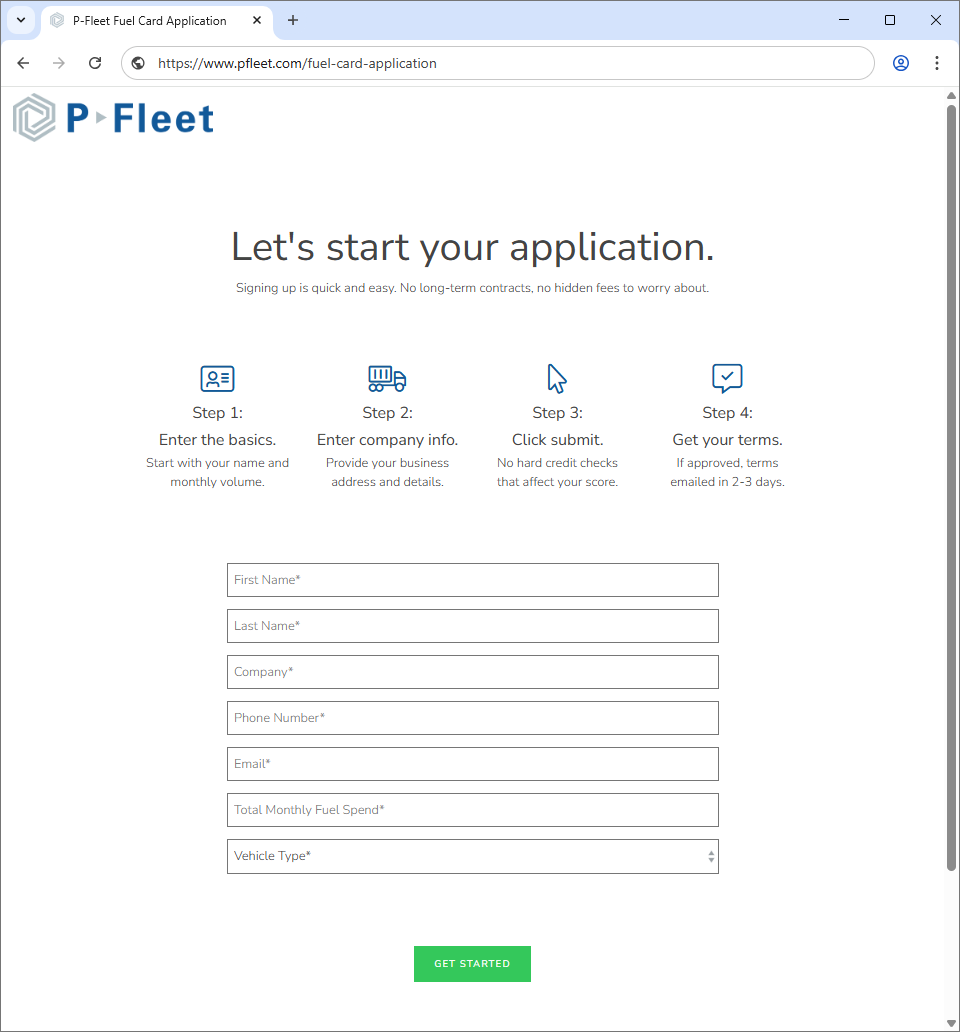
The process to apply for a CFN account is pretty straightforward and can be done online in just a few minutes. You'll need to first fill out the CFN fuel card application with an authorized vendor.
Once you’ve completed the application, it will be submitted to our credit team for evaluation. Most applications are approved within a couple of business days, if not sooner.

Once your application has been approved, a summary of your credit terms will be emailed to you. You’ll also be assigned an account representative who can answer any additional questions you may have about the terms for your new account as well as any card product questions.
The credit terms summary for your account will include your payment options. You may be asked to set up your payment information for automatic invoice payments. The process for that is straightforward and only requires an online authorization form to be completed.
After you're approved, you can proceed with setting up your fuel cards, including the purchase limits and how cards will be assigned within your organization.
Upon credit approval, in addition to the terms, you'll also receive a CFN card order form that can be easily completed online. This is where you will assign your cards to drivers or vehicles and set up fuel card controls for each card.
If you have questions about how to set up your card controls, your account representative can provide recommendations. Once we receive the completed fuel card order form, orders are processed within a few business days before cards are shipped via UPS. You also have the option to choose expedited shipping.
Once your fuel cards have shipped, we'll email your login information for the P-Fleet customer portal. In the customer portal you can:
Once your fuel cards are delivered, they will be available for drivers to use as long as they have a valid PIN number. PIN numbers will be provided in advance of card delivery and can also be viewed online through our customer portal by authorized users within your organization.
These users can also check daily CFN prices on a nationwide map before drivers use their CFN fuel card. CFN station locations and directions can also be accessed online or through a mobile app while drivers are on the road.
1 min read
If you’ve decided the Voyager fuel card is the right fuel card for your business, getting started is quick and straightforward. The online Voyager...
1 min read
Fueling with a CFN card works a little differently than using a regular payment card, especially at CFN cardlock locations. But once you understand...
1 min read
For years, fleets faced a difficult choice: retail fuel cards offered broad station access but limited discounts, while traditional cardlock fuel...