 Broderic Fernow
How to Monitor Fleet Fuel Consumption with a Fuel Card
 Broderic Fernow : Oct 23, 2025, 11:32:47 AM
Learn how to monitor fleet fuel consumption with fuel cards. Cut costs, prevent misuse, and simplify reporting with real-time data.

Fuel is a big expense category for many companies and accurately tracking it by project is important for companies that use job cost accounting. The problem is that when fuel is paid for with cash or a regular credit card, accounting teams are stuck chasing receipts, asking drivers which job the fuel was for, or spreading costs across projects after the fact.
Fuel cards make job costing much cleaner. By capturing a job number at the pump, fuel purchases are automatically tagged with the job number in your reporting, so you can see exactly how much fuel each project is using without manual accounting work. In this guide, we’ll walk through the most practical ways to track fuel cost by job number with a fuel card, why fuel cards are important for job costing, and show how different industries use fuel cards to improve job costing accuracy.
Job costing, also called project based accounting, is an accounting method that tracks costs and revenue for specific projects to ensure jobs are profitable. Job costing breaks down all costs associated with a project, such as labor, overhead, materials, equipment, and fuel, which gives you more details into project costs compared to other accounting methods.
With cash or a regular credit card, accounting teams end up chasing fuel receipts, digging through statements, and asking employees which job the fuel was for. Fuel cards make this much cleaner. Drivers enter the job number at the pump, and it’s automatically attached to the transaction in your reporting, so you can download a CSV report and total fuel cost by job number without collecting receipts.
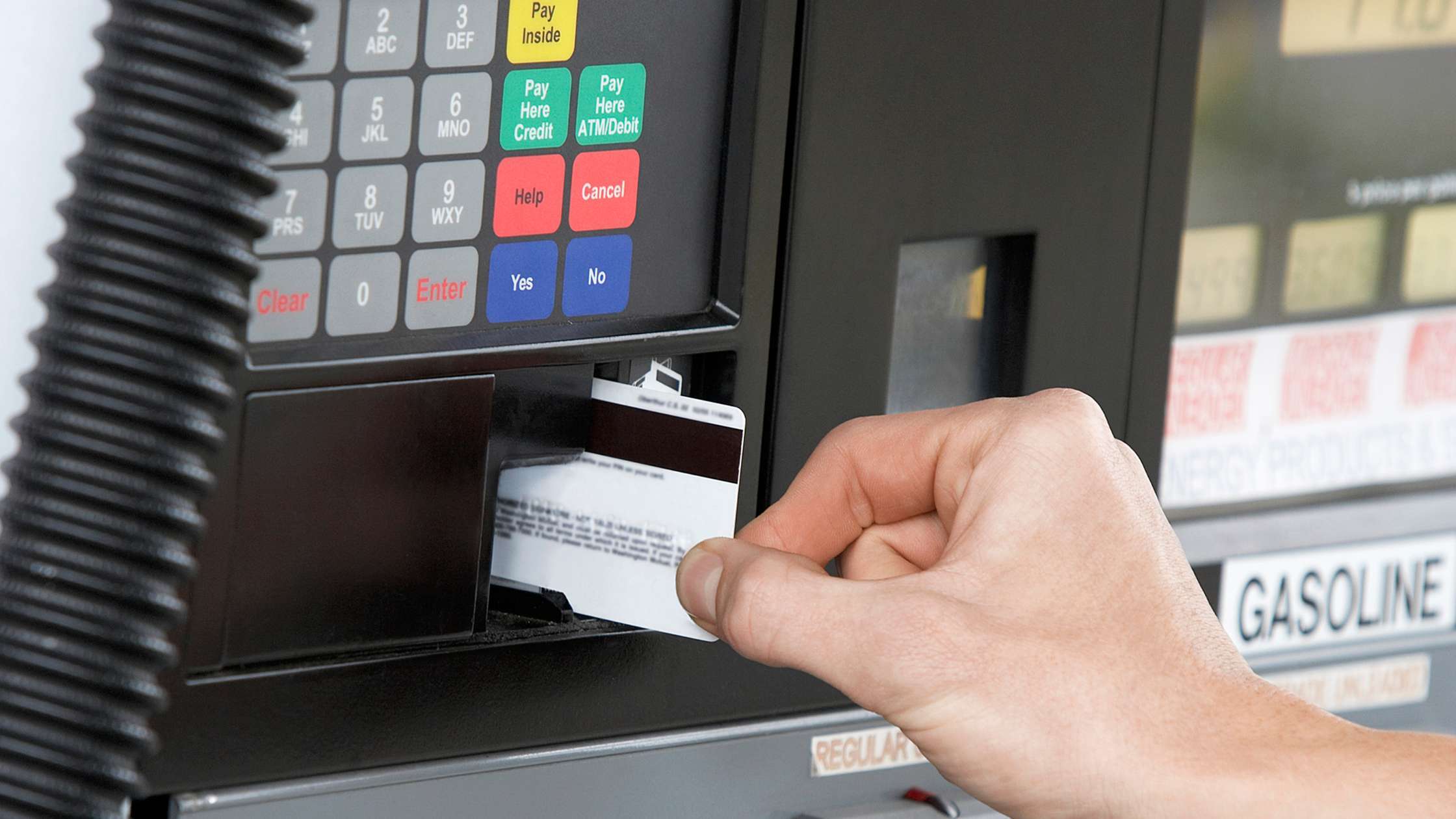
Some fuel cards can prompt for a vehicle number instead of a PIN at the pump. If you’d rather track fuel by project, you can set that prompt up to use job numbers instead. Just load your approved job numbers and descriptions in the vehicle section of the fuel card portal, and the transaction will only go through when a valid job number is entered. With each transaction, the job number and description will get automatically tagged to the purchase in your reporting.
| Driver | Vehicle Number | Vehicle Description | Odometer | Product | Quantity | Price | Amount |
| John Doe | 5233 | Spring Valley Project | 126,354 | DSL | 33.25 | $3.57 | $119.00 |
If you don’t need mileage tracking, drivers can enter the job number when the pump asks for the odometer. That job number will then show up in the odometer field on your reports. The downside is you lose odometer data, so MPG and CPM reporting won’t be accurate.
| Driver | Odometer | Product | Quantity | Price | Amount |
| John Doe | 5233 | DSL | 33.25 | $3.57 | $119.00 |
Cardlock fuel cards like CFN can be set up with an extra prompt, so drivers enter a PIN, odometer, and a custom third number at cardlock locations which you would use to capture the job number.
| Driver | Misc | Odometer | Product | Quantity | Price | Amount |
| John Doe | 5233 | 126,354 | DSL | 33.25 | $3.57 | $119.00 |
Manually going through fuel purchases and tagging them with job numbers takes a lot of time. With a fuel card, drivers enter the job number at the pump, so each transaction is already tagged in your reporting. All you need to do is download a CSV report and total the transactions by job number to see each project’s fuel cost.
If you don’t know exactly what you’re spending on fuel for each job, it’s easy to underquote projects and eat into your profit margins. Once you start tracking fuel cost by job, you’ll have a clearer picture of fuel cost per project so you can price it into your quotes or trip rates.
You also don’t want to overquote fuel cost. Bidding is competitive in many industries, and if you pad costs too much, you can lose the job. With fuel cost data from past projects, you’ll have a much better idea of what fuel will cost on future jobs.
Job costing is common in construction because most revenue is tied to individual projects. The more visibility you have into the costs going into each job, the more accurate your bids can be, so you can stay competitive. Fuel cards help make job costing easier by letting construction companies track fuel for vehicles and equipment by job number, so each transaction ties back to the right project for cleaner job costing.
Home service companies like pest control, pool cleaning, window cleaning, HVAC, plumbing, electrical, landscaping, and power washing usually handle multiple jobs per day. Tagging every fuel purchase to a job doesn’t always make sense, but fuel cards still help with job costing. You can track fuel costs by driver and break down an average fuel cost per job to set trip rates or first-hour charges that include travel.
B2B service companies operate a lot like home service fleets, but they service businesses instead of households. You can track fuel by job number for larger projects. Or you can track fuel used by driver and break down the average fuel cost per job.
Car dealerships fill up vehicles before selling them. By having drivers enter a PO, invoice, or VIN number at the pump, dealerships can track exactly how much fuel was added to a vehicle and record the fuel cost for each sale.
P-Fleet fuel cards make job costing easier by capturing job numbers at the pump and tagging every fuel transaction in your reporting. Instead of chasing receipts or asking drivers which project the fuel was for, job numbers are tied to the transaction the moment it happens.
Once fuel purchases are tagged, you can download reports from your fuel card portal and upload them into your accounting system. This means more accurate job costing, less manual accounting work, and better insight into project profitability.

 Broderic Fernow : Oct 23, 2025, 11:32:47 AM
Learn how to monitor fleet fuel consumption with fuel cards. Cut costs, prevent misuse, and simplify reporting with real-time data.
 Broderic Fernow : Jun 18, 2026, 8:15:51 AM
Compare the best universal fuel cards for 2026. Find cards with nationwide acceptance, discounts, and features to control fuel costs.

 P-Fleet Staff : Jan 26, 2017, 10:50:42 AM
Fuel card alerts help prevent company fuel card abuse and fraud. However, alerts can also keep costs low and ensure fuel card policy compliance.