 Broderic Fernow
The Complete Guide to CFN Card Controls
 Broderic Fernow : Oct 30, 2025, 7:15:00 AM
Take control of your fleet’s fuel expenses with CFN card controls. Set limits, get alerts, and stop unauthorized purchases before they happen.
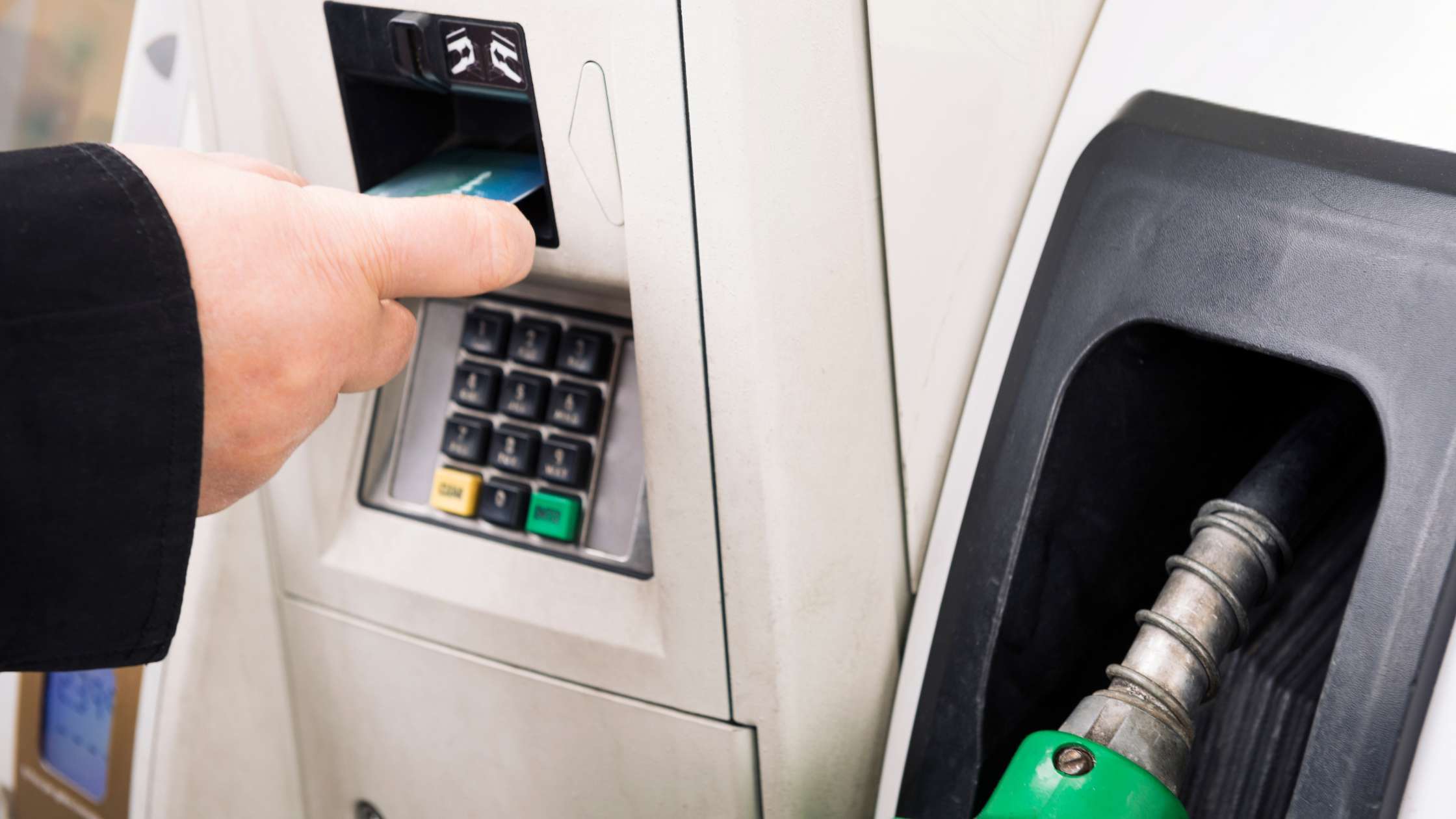
Fuel card controls are what turn a fuel card from just another payment method into an actual fuel management tool. Without fuel card purchase limits in place, fuel spend can get messy fast. Whether that’s someone fueling a personal vehicle or grabbing food and drinks and adding them to a gas station charge on the company credit card.
In this guide, we break down the most common fuel card controls, explain what each one does, and show you how to set them up in a way that protects your business without slowing your drivers down. You’ll learn how to use purchase limits, authorized fueling times, location restrictions, and alerts to reduce theft, tighten accountability, and keep fuel costs under control as your fleet grows.
| Fuel Card Control | Description |
| PIN, driver ID, or vehicle ID | Custom number assigned to a card, driver, or vehicle. A valid PIN or ID must be entered to enable fueling. |
| Fuel only, or fuel and maintenance | Business fuel cards are restricted to fuel purchases only by default. Some cards also let you enable maintenance purchases such as oil changes, coolant, roadside assistance, etc. |
| Transactions per day | Number of fuel transactions permitted on each card per day. |
| Dollars per day, week, and month | Dollar amounts that are permitted each time period. |
| Authorized times and days | Hours and days when a card is authorized for use. |
| State restrictions | States where a card is authorized for use. |
| *Product controls | The type(s) of fuel a driver can purchase. |
| *Retail site lockout | Lockout retail stations by state so drivers can only use cardlock locations. |
| Hard and soft limits | Soft limits give drivers the option to contact customer support for a one-time override in the event a limit is reached. In contrast, hard limits are strictly enforced. |
| Fuel Card Alerts | |
| Exemption Alerts | Email alerts generated when a card is used outside your designated parameters. |
| E-receipts | Email alerts generated when a card is used. |
| Fraud alerts | Email alerts generated if suspicious activity occurs on your account. |
*Cardlock fuel cards like CFN and Pacific Pride are the only type of fuel cards that let you restrict the type of fuel a driver can purchase at the pump at cardlock stations. This doesn’t just help prevent unauthorized purchases. It also helps stop drivers from accidentally putting the wrong fuel in a vehicle or piece of equipment, which is a costly mistake. On top of that, cardlock cards can be set up with retail site lockout, so drivers can only fuel at cardlock locations and can’t use the card at regular retail gas stations.

Being able to assign a unique PIN to each driver is one of the biggest advantages of fuel cards, and it’s something every fleet should use. When you set up your program, each driver will create their own 4-6 digit PIN. Just make sure they don’t use birthdays or other easy to guess numbers.
You’ll also choose whether you want driver cards or vehicle cards:
Start with the vehicle’s tank size and set your per transaction dollar limit based on that. If you don’t know the tank size, check the owner’s manual or look it up online. Once you have the gallon capacity, multiply it by the average fuel price in your area, then give yourself a little cushion for price spikes so cards don’t decline when fuel prices increase.
If you have some fuel cards that will purchase fuel for the vehicle and additional equipment, make sure you add in the equipment tank capacities, so your drivers can get fuel for the additional equipment as well.
If your drivers run consistent routes or shifts, set fueling days and times to match their normal work hours. Build in a small buffer (like an hour before or after) for early starts, traffic, or jobs that run long. Keeping card use limited to work hours helps prevent personal vehicle fueling, since drivers are using their work vehicles during those times.
During the first few weeks of using new controls, you should review authorizations in your fuel card portal to see if anyone is getting declined because the controls are too restrictive. Also, encourage drivers to report any issues right away, then make purchase limit adjustments in your fuel card portal. Over time, you’ll dial in your controls to fit your fleet's exact needs.
Set approved states based on where your company actually operates so cards only work in those areas. This helps cut down on fraud, since compromised cards are often used out of state.
Fleet managers should get in the habit of logging into the fuel card portal regularly to keep an eye on spending and driver activity. From the dashboard, you can review recent transactions, track fuel usage by driver or vehicle, and pull reports to spot trends or anything that looks off. That visibility helps you enforce your fueling policy and catch misuse early, before it turns into a bigger (and more expensive) problem.
If you’re worried certain controls might slow your team down, you can set up alerts instead. You can create alerts for the same rules above, but the purchase will still go through. Then, if a transaction happens outside your normal parameters, you’ll get an email with the details so you can follow up with the driver, confirm it was legitimate, and reinforce your fueling policy if needed.
If you run a small to mid-sized fleet, e-receipts are a great way to stay on top of every fill up in real time. You’ll get an instant notification for each transaction, which gives you the tightest control. The only downside is volume, once you’re managing dozens of vehicles, those alerts can get overwhelming fast.
Most fuel card providers have fraud monitoring that looks for suspicious activity and will automatically shut down the card and send you an alert when something looks off. If you get a fraud alert, don’t just click “approve” and move on. Verify the transaction with the driver first to confirm it was legit.
You don't want to reactivate a compromised card, because the fraud usually keeps going. It can also put your fraud coverage at risk if you “verified” charges that weren’t actually yours.
All business fuel cards come with some form of purchase limits and controls because their main purpose is to help companies manage and control fuel spending. Consumer gas credit cards, on the other hand, are basically standard credit cards with fuel discounts added to encourage brand loyalty, not tools designed to control how or when fuel is purchased.
P-Fleet makes fuel card controls easy to set up so you can control how, when, and where drivers buy fuel without adding friction for the team. You can assign unique PINs/driver IDs, set dollar and transaction limits, and restrict fueling by approved days, times, and states.
Everything runs through the P-Fleet portal with real time visibility, alerts, and e-receipts, so you catch issues fast instead of discovering them on a statement weeks later. As your fleet grows, you can adjust controls anytime in the portal to give your drivers the fuel they need, while keeping your fuel expenses under control.
 Broderic Fernow : Oct 30, 2025, 7:15:00 AM
Take control of your fleet’s fuel expenses with CFN card controls. Set limits, get alerts, and stop unauthorized purchases before they happen.
 Broderic Fernow : Oct 31, 2025, 8:00:00 AM
Learn why business fleets fuel at cardlock fuel stations for cost-plus pricing, 18-wheel access, faster fueling, and product controls.

 P-Fleet Staff : Mar 3, 2016, 1:42:56 PM
Learn how to control driver fuel card purchases with P-Fleet's four layers of security.