Online tools to monitor fueling
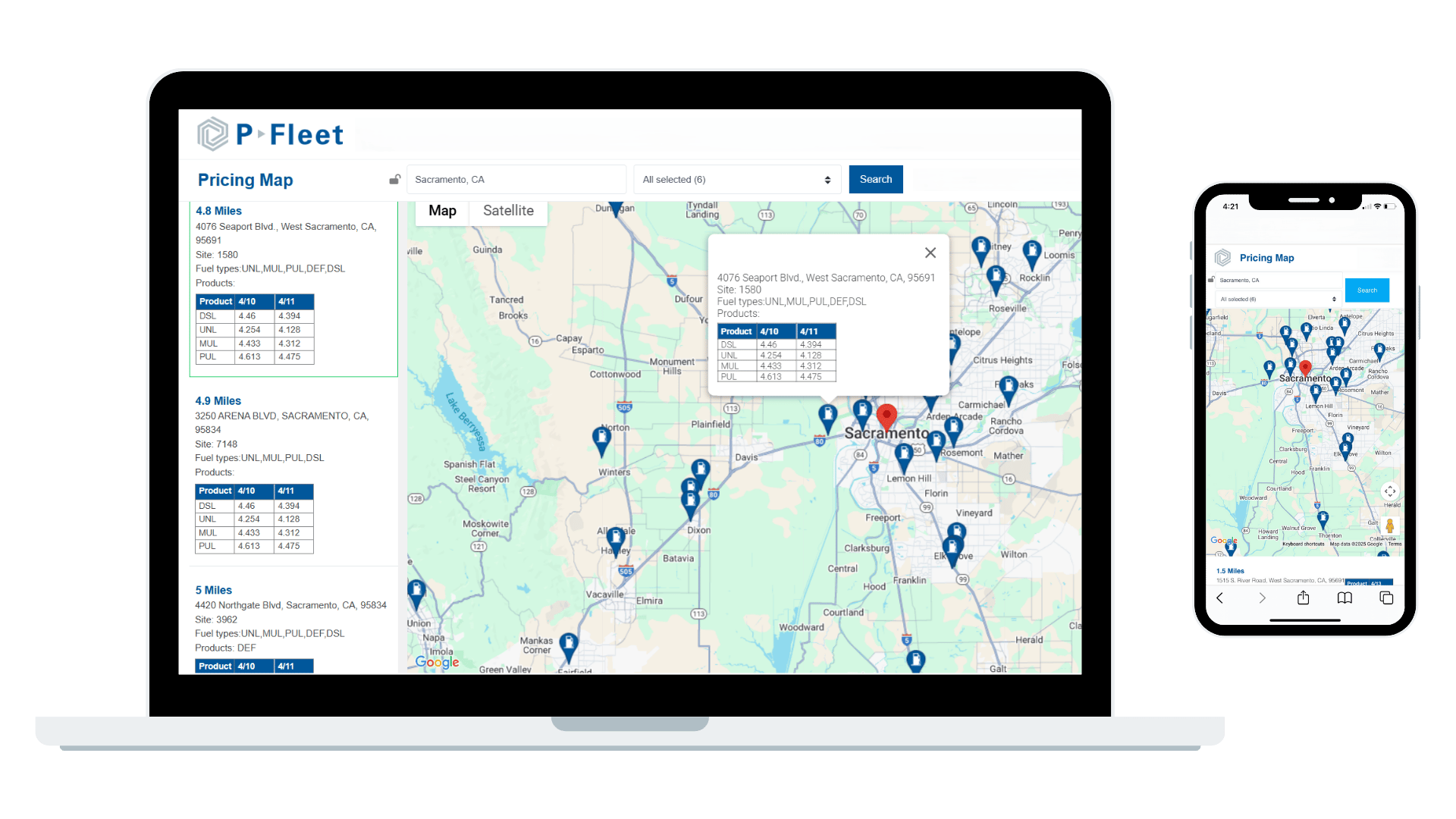
Use our online tools to manage cards, find locations, check prices, and monitor activity.
Manage cards, review purchases, and access invoices.
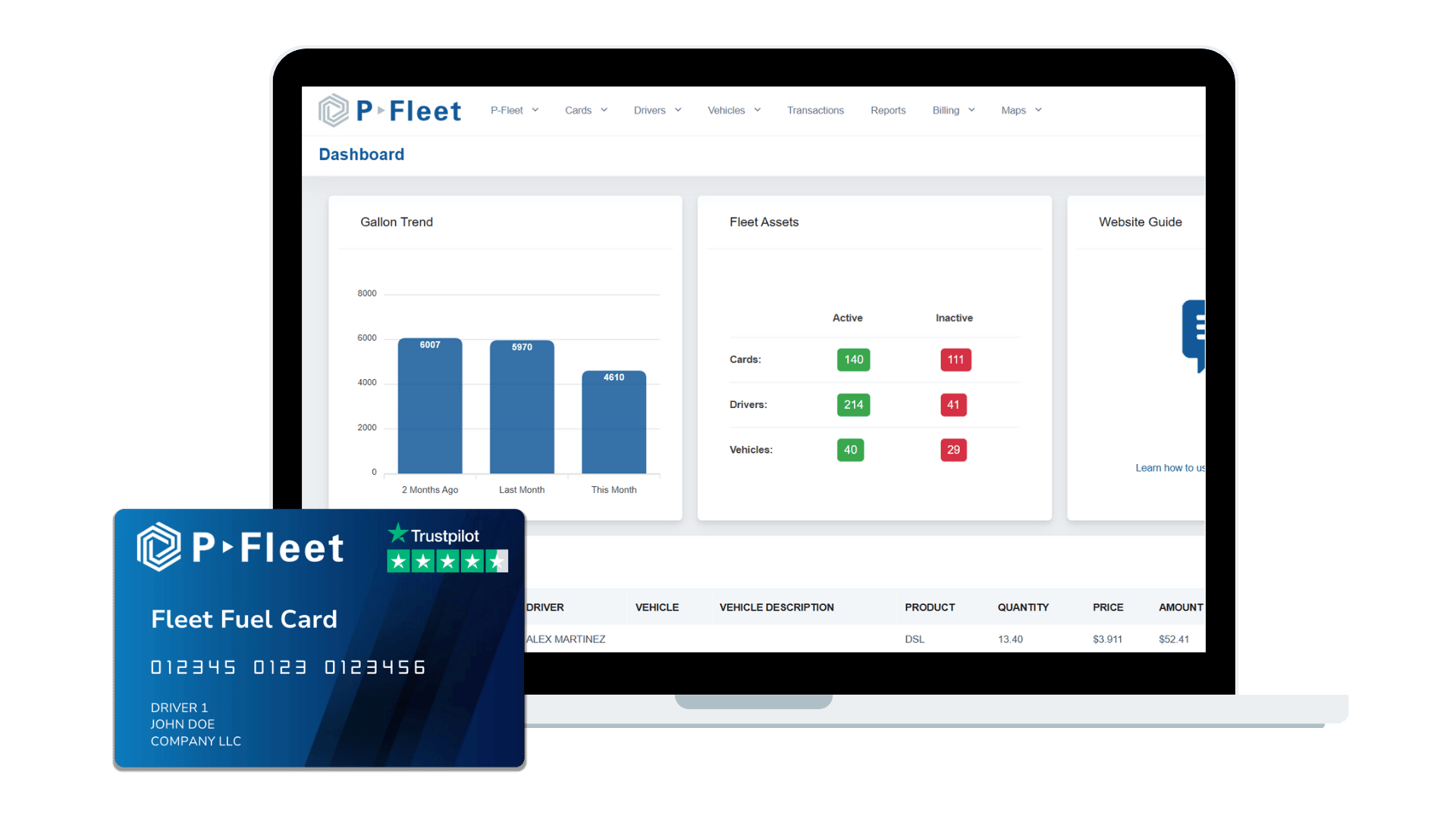
Manage Voyager fleet cards and CFN fuel cards quickly and easily in one place. Log in to our customer portal to view your cards, request updates, and order new ones. Download transactions into Excel to review key details such as gallons, price, amount, date and time, location, fuel type, and odometer readings. You can also access invoices and run reports to track expenses and compare driver usage.
Check prices for CFN locations.
Review current unleaded and diesel prices for CFN locations throughout the U.S. Compare pricing against truck stops to determine which locations have lower prices along your routes. With CFN prices posted daily, you can track falling diesel prices to adjust driver purchasing and maximize savings for your company.
Find fuel locations along routes.
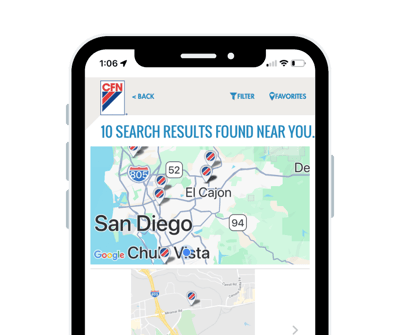
Use the CFN mobile app to find CFN locations and get turn-by-turn directions while on the road. You can also filter locations by fuel products and amenities. When you use your CFN card, you receive discounted pricing at CFN sites and merchant pump pricing at participating retail locations.
Check gas and diesel prices.
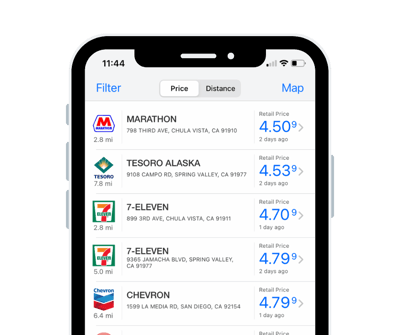
Use the Voyager mobile app to compare unleaded and diesel fuel prices at retail locations and truck stops while on the road. You'll be able to quickly find nearby stations that accept the Voyager fuel card and identify the lowest-cost brands to help your company save when it comes to fuel expenses.
Sign up today.
Apply for a fuel card in minutes. No hard credit checks. No hidden fees.